Hi @Linuxien ,
When I make significant changes in the application: new domains, new services, etc., I do the following:
-
Delete the build directory (and possibly bin) under the application directory.
-
Rebuild the app
./gradlew cleanEclipse eclipse
./gradlew build -xtest -
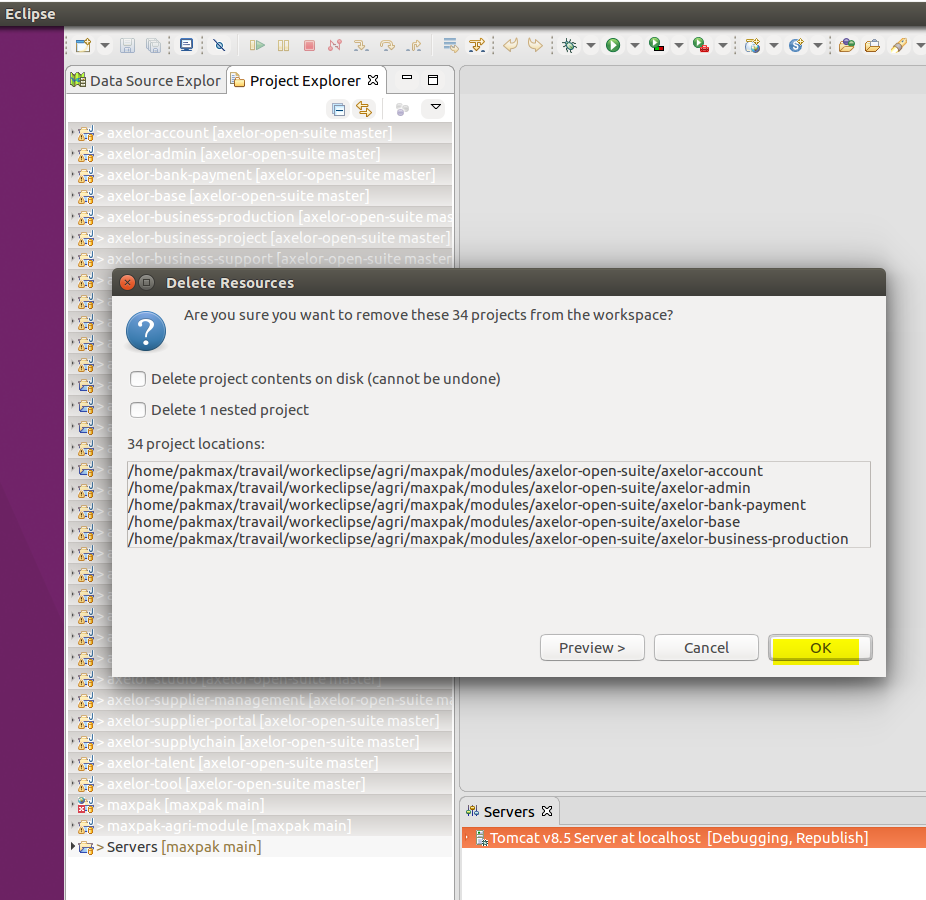
Then, in Eclipse, delete the projects from the workspace (but be careful not to check delete contents, you would delete the sources)
-
Reimport previously rebuilt projects (uncheck modules)

Wait for workspace refresh
-
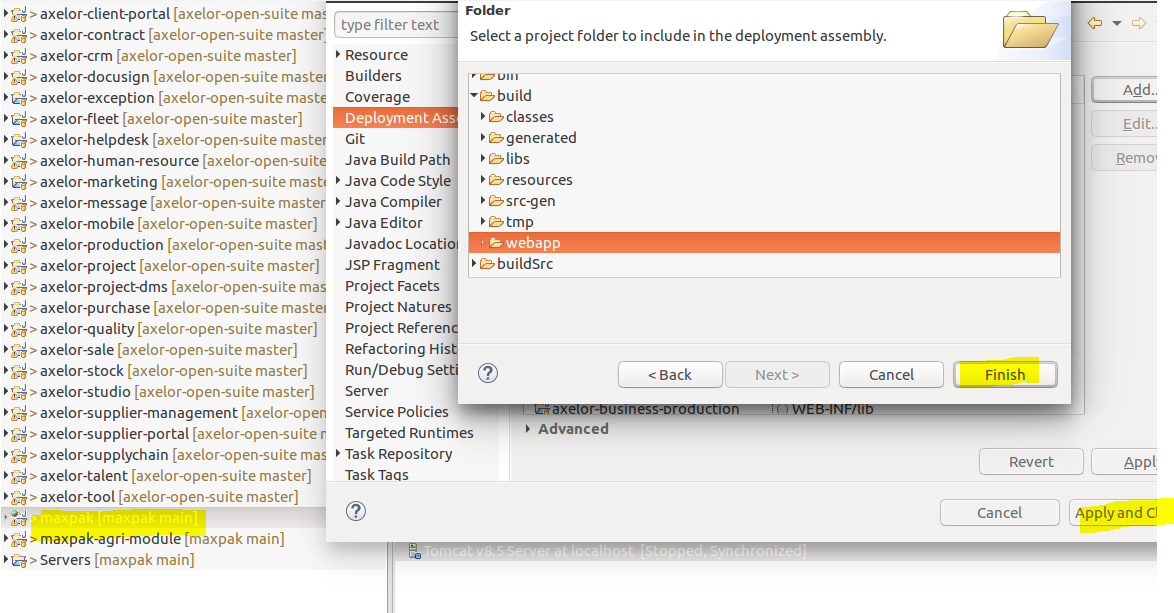
Generally I have to recreate the webapp folder by going to the application, then properties, deployment assembly, create folder, build/webapp
-
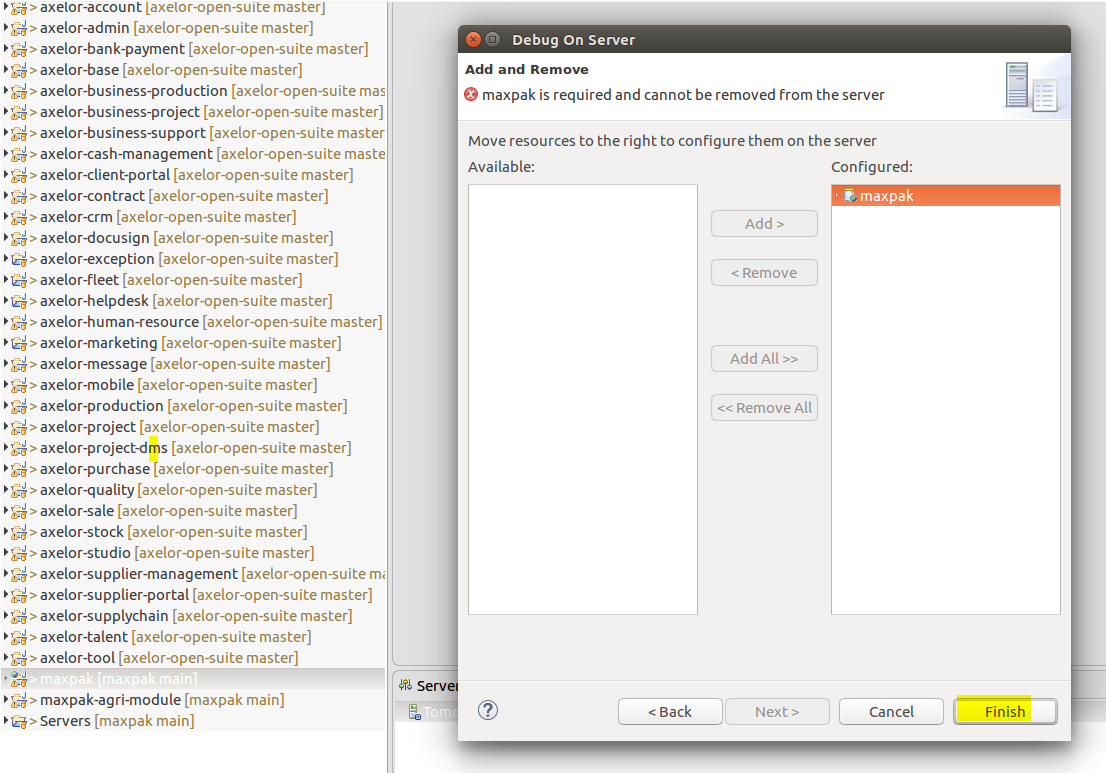
Then to start the server, going through the icons directly does not work, I have to launch by right-clicking on the application, then Debug on Server
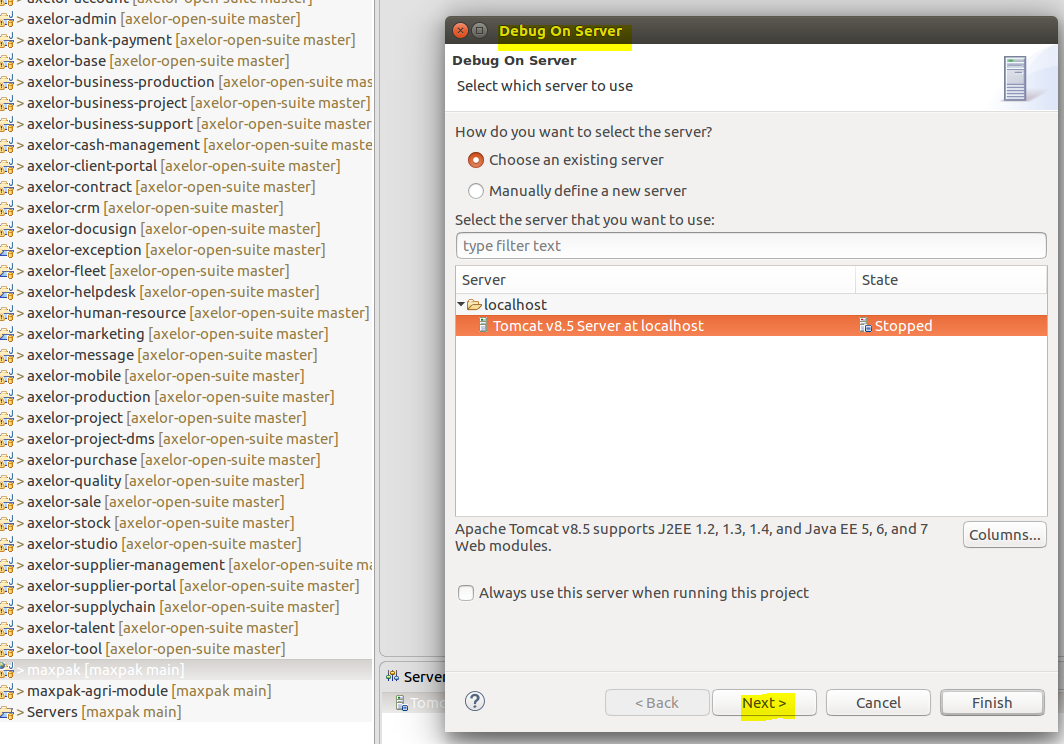
Then validate definitively
WARNING :
This procedure works correctly in my development context.
There are probably different procedures…
This procedure must be carried out carefully, especially the first time.
No guarantee can be given on a correct progress, in a different development context.
Hoping this can help you.